Jobs recorded as they happen
Sowing, spraying, fertilizing, irrigation, harvest and anything else you do in a field, with automatic timing, people and equipment.
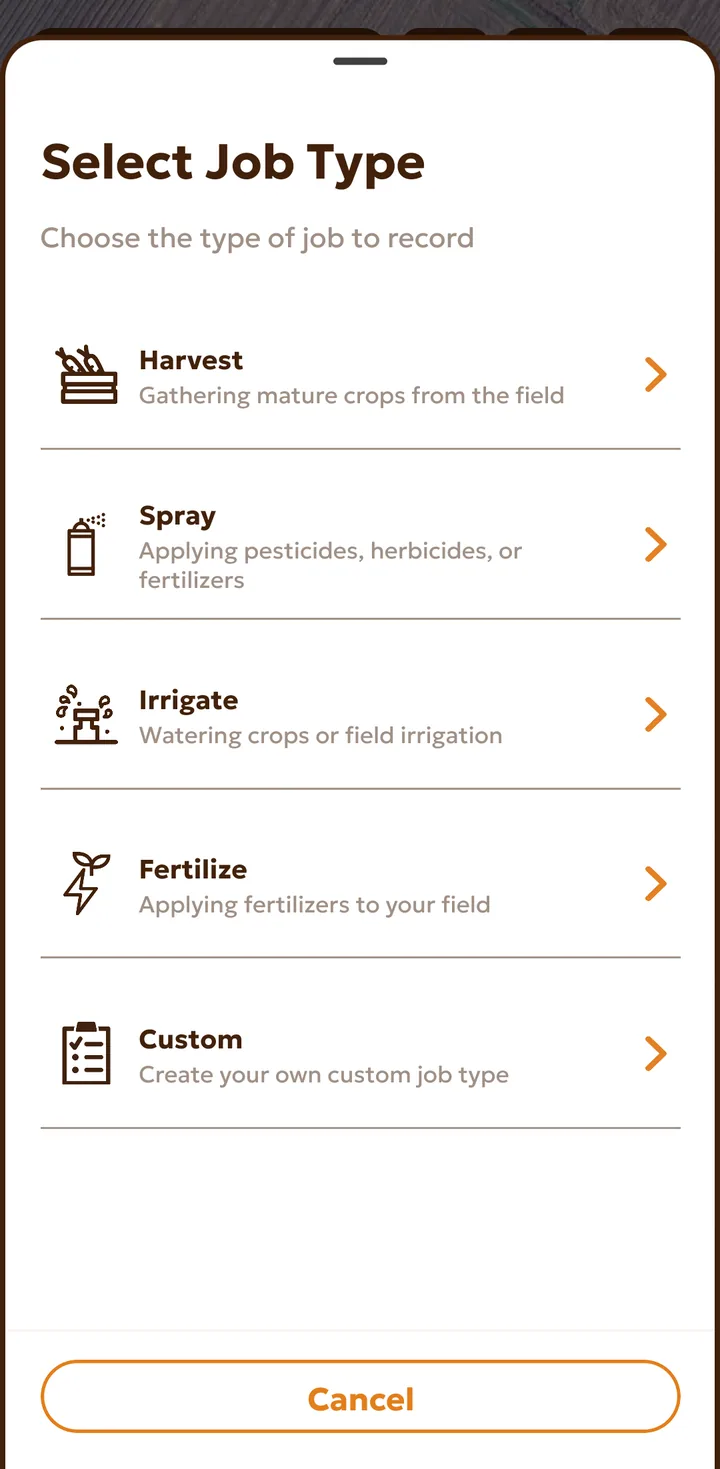
Six types of job
Each type asks only for its own details.
Sow or plant
Crop, variety, seed lot and supplier, row and seed spacing.
Spray
Sprayer, products with their doses, carrier rate and application method.
Fertilize
Fertilizers with their N-P-K, dose and application method.
Irrigate
Water is calculated from the equipment’s flow rate and the duration.
Harvest
Amount and lot number, and whether it is the crop’s last harvest.
Custom
Pruning, weeding, network maintenance: with a name and notes of your own.
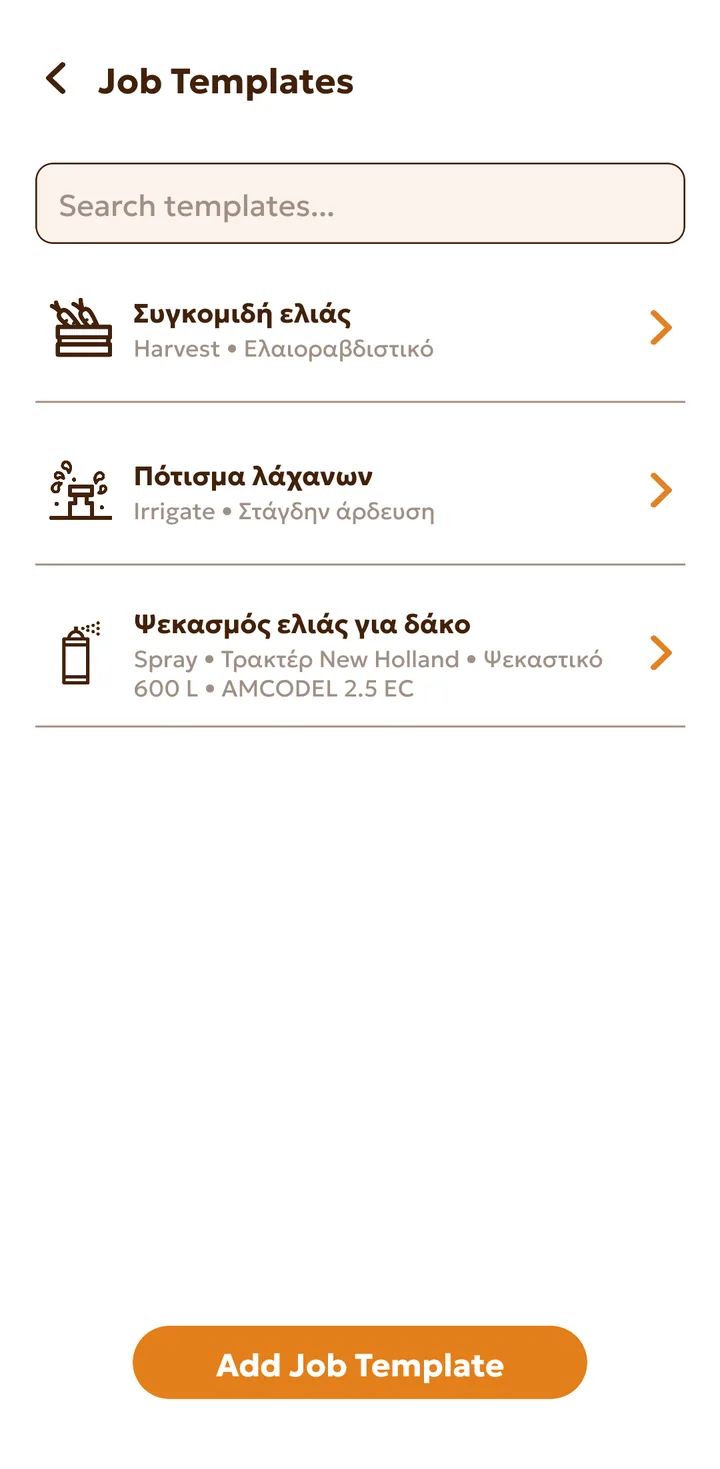
Templates for what you repeat
A template keeps a job’s equipment, products and doses, so the next one starts without choosing them again. Create it from the templates screen or at the end of a quick job.
Many fields in one go
Spraying, fertilizing and irrigation can start in several fields together. The fields are recorded one after the other and each gets a record of its own. Selecting several fields needs a connection.
- Unlimited jobs and unlimited people, with man-hours
- Pause and resume, with time counting even if the app closes
- A warning before you start a job in a field with a PHI or REI in force
Questions
Can I record a job done yesterday?
No. Jobs are recorded as they happen, from start to finish.
Can I delete a job?
In each field, only the job that started last can be deleted.
Can two jobs run in the same field?
One at a time. Custom jobs also run alongside others.
Start with your next field
Get the app and record your first job. Recording is free.